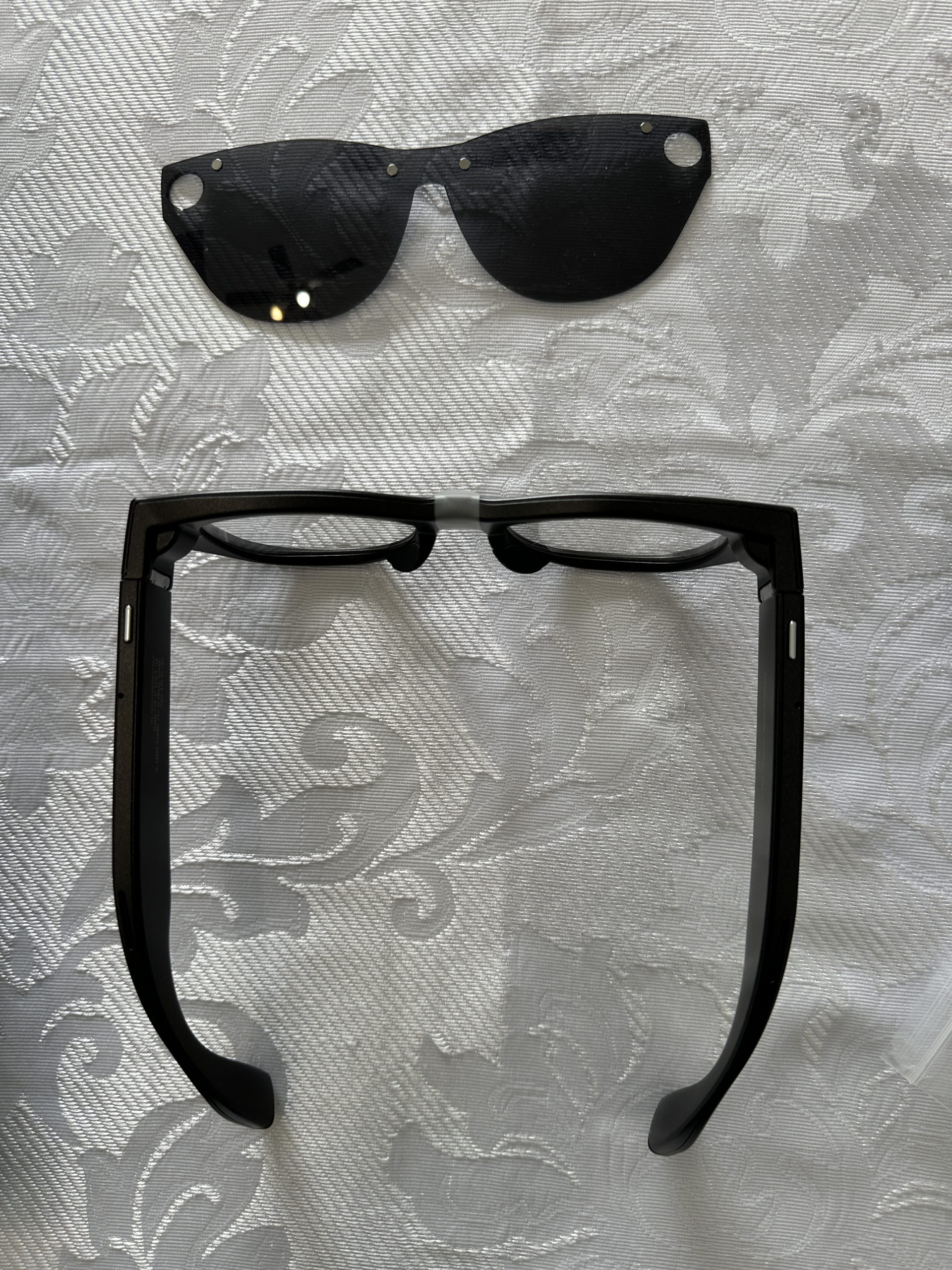
How EchoVision Smart Glasses Transformed My Blind Friend’s Daily Life
I spend a lot of time putting experiences into words to improve health, provide encouragement, and point others toward hope. Today’s post is a first for me—and I believe it will touch your heart.
Recently, I had the incredible opportunity to guide a dear blind friend into the world of cutting-edge assistive technology: EchoVision smart glasses from AGIGA. These AI-powered glasses are truly a game-changer for the blind and low-vision community. I can’t wait to share the fun, the wins, and yes, a couple of hiccups we encountered as we brought this exciting technology into our lives.
It all began when I decided to help our friend improve his independence even further. (I’ll call him Simon to protect his privacy.) Simon is a cheerful, deeply inspiring Christian whose blindness has never diminished his faith in God or his leadership in ministry. He’s always been adventurous—navigating the world with his cane, support from family and friends, and a contagious sense of humor.
With my background as a former Project Manager, I was intrigued by the idea of assisting Simon in fresh ways through evolving technology. Research lead after research lead, trail after trail, and countless YouTube videos eventually brought me to EchoVision smart glasses. These cutting-edge devices use AI to narrate surroundings, read text aloud, recognize faces, and assist with navigation. Spearheading this experience has been one of the most rewarding projects I’ve ever undertaken.
Purchasing the EchoVision Glasses
Obtaining the glasses was straightforward. I emailed support@agiga.ai with questions and made a few phone calls for clarification. I learned I could join the Pioneer Edition (think of it as an extended form of the Beta program where early users test the glasses, provide feedback, and help shape the final product.)
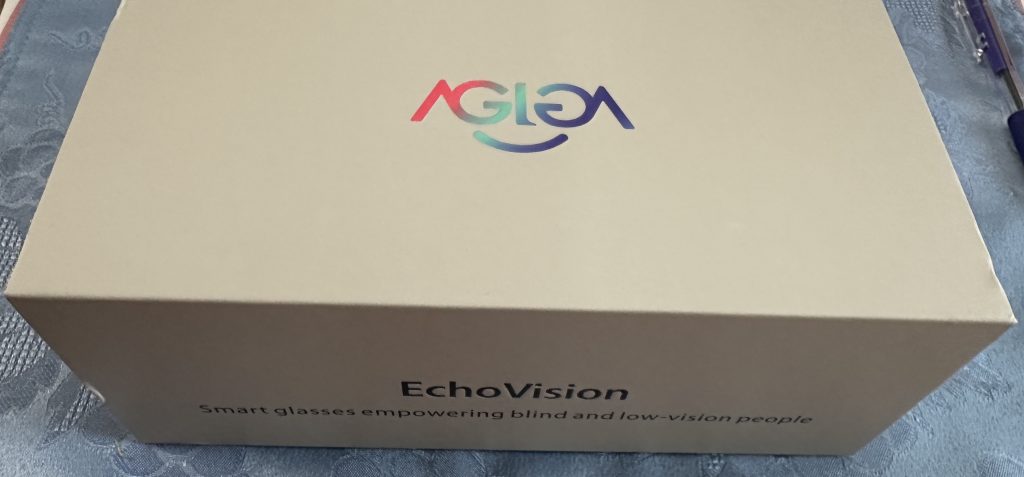
I ordered through the official site at https://echovision.agiga.ai. (Pioneer Edition units are part of ongoing development, with plans for upgrades to the final version as improvements roll out.) The package arrived in early March in a sleek grey box featuring the iconic red-blue AGIGA logo. It has a user-friendly magnetic fold—simply lift it to reveal the contents.
What’s in the Box
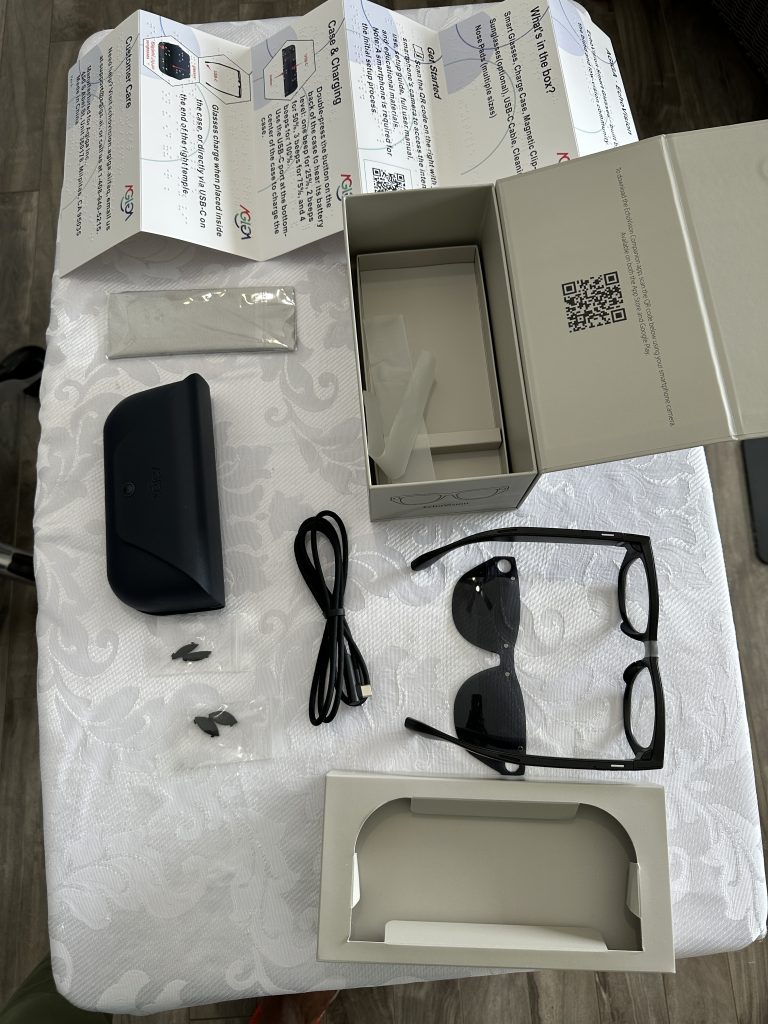
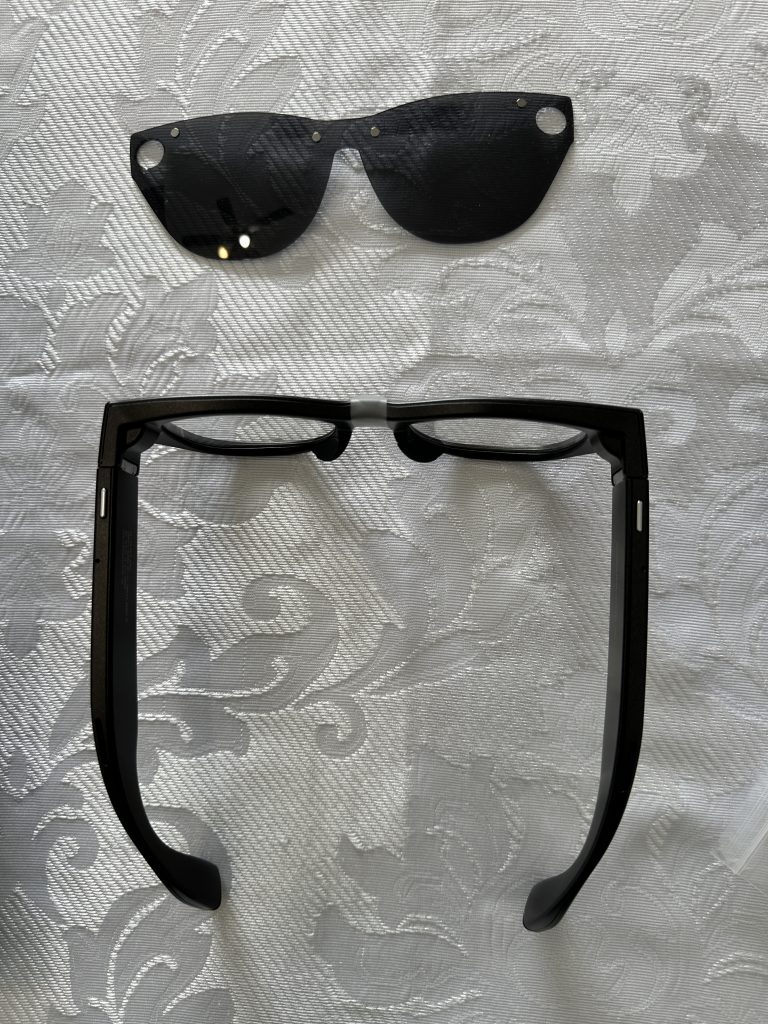
- EchoVision smart glasses
- Magnetic clip-on sunshade
- USB-C cable
- Cleaning cloth
- Nose pads (small and large; medium pre-installed on the glasses)
- Quick Start Guide (in Braille and English)
Setting Up EchoVision
Before setup, download the free EchoVision app from the App Store or Google Play. The glasses are compatible with both iOS and Android.
The real magic happened during setup. Simon uses an iPhone, so we followed the manual pairing method using the step-by-step instructions in the user guide to fully understand the process. (Bluetooth pairing is also available for those without sighted help—just enable Bluetooth and follow the voice-guided prompts.)
Within minutes, the glasses connected, and Simon began testing them. Hearing him laugh as the AI described our room, “There is a smiling woman in front of you with brown hair” or “You are wearing black shoes”, was pure joy. Tears welled in my eyes, and everyone around us felt the same happiness. Here was a personal guide whispering helpful details directly to Simon, audible only to him depending on the volume.
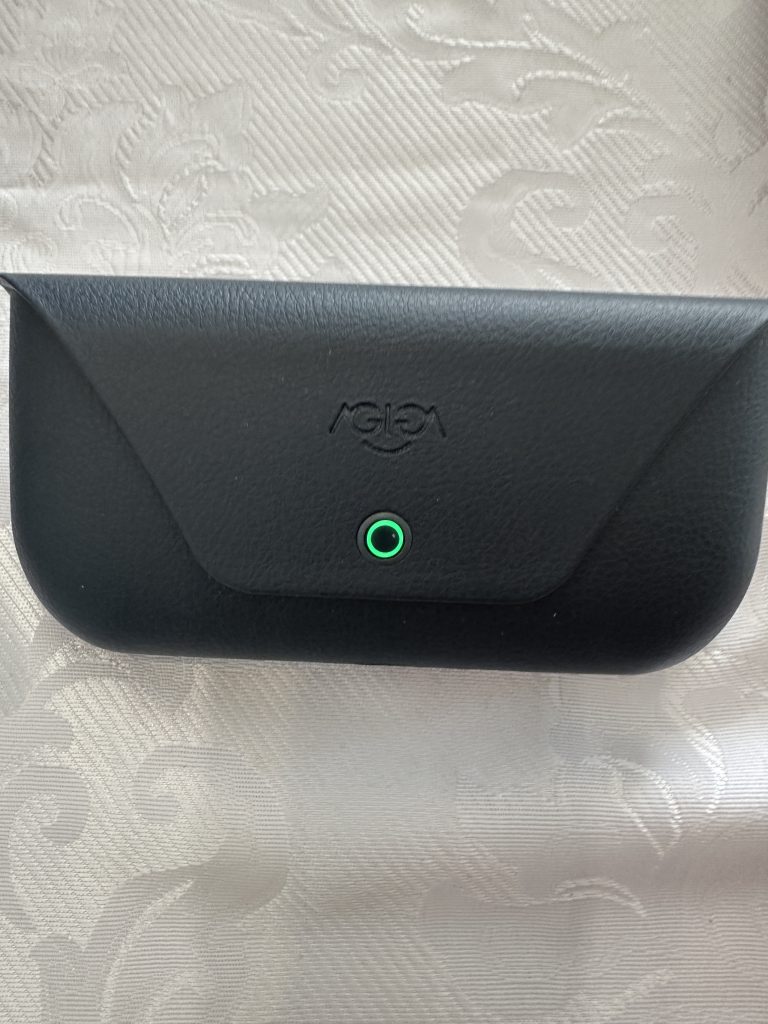
Key Benefits & Features
The benefits are endless—true empowerment in action. EchoVision puts control in the user’s hands through three main interfaces:
- Power/Camera Button (top of left arm): Powers the glasses on/off, takes photos/videos, checks battery/Wi-Fi status, and forces a restart.
- AI/Action Button (top of right arm): Activates Q&A, scene description, real-time AI audio descriptions by asking questions, reading mode (OCR for text), system reports, Bluetooth pairing, cancels actions, or performs a factory reset.
- Touchpad Sensor (outer left arm): Controls volume, pauses/resumes audio, refreshes images, answers/ends calls, and triggers voice assistants like Siri or Google Assistant. (It also integrates seamlessly with free services like Be My Eyes.)
Simon can now read grocery labels independently, identify colors for outfits, have books or signs read aloud via OCR, and get real-time descriptions during walks—like spotting birds, paths, or people nearby. The glasses once told him exactly how many of us were in front of him, described what we were doing, and even noted our clothing.
EchoVision Smart Glasses is not just practical; it’s fun. Agiga AI adds whimsy to everyday moments. In the park, the AI might playfully call a squirrel “a small furry creature scampering up a tree.” For sighted friends like me, it’s eye-opening to see how technology bridges gaps and fosters true inclusion. The “Find Glasses” feature (which makes them beep on command) is incredibly handy too. There are many more features and tips, which you can check out in details in the full user guide at https://echovision.agiga.ai/user-guide
Setbacks and Solutions
Like any emerging tech, EchoVision requires practice to master. As a Pioneer Edition device still in development, we encountered a few snags—most notably faster-than-expected battery drain due to intensive AI processing, which involves taking snapshots and using them for descriptions.
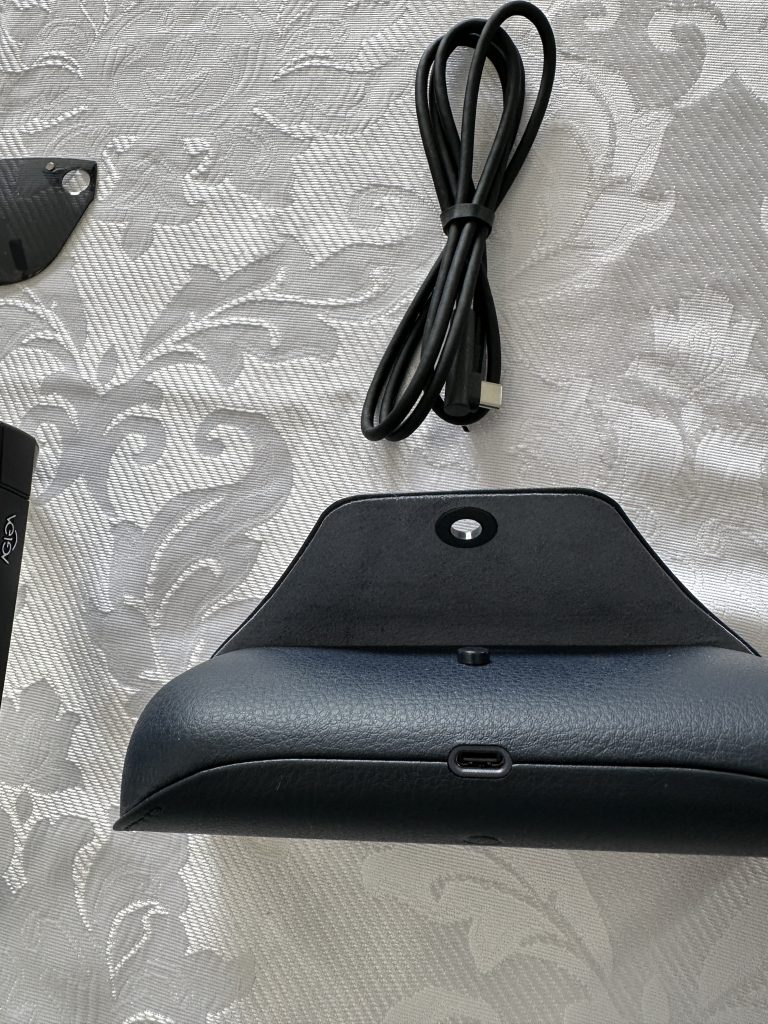
AGIGA has been transparent about improvements as they work on the battery optimizations through software updates and planned hardware upgrades. In the meantime, other solutions worked well: We used a USB-C adapter (purchased separately for use with the cable, for charging the glasses. The glasses can be charged in the case, or via direct cable connection to the port at the back orf the right arm). Tweaking app settings, like reducing scan frequency or enabling power-saving mode, helped extend battery life significantly.
A portable charger (lightweight and pocket-friendly) makes a great companion gift. Building in short breaks for recharging, both the glasses and the person, turns the charging time into peaceful coffee or nap moments. If you’re starting out, I’ll suggest you begin with shorter sessions to gauge usage and adjust accordingly.
Latest Updates & Resources
I want to keep this post short as there are tons of information on the official site at https://echovision.agiga.ai and YouTube. I watched the latest video released two days ago and the title says it all: “EchoVision Smart glasses: Live Demo and Inside Look.” The real action starts around the 12-minute mark, featuring a blind user demo, updates from a founder, and Q&A with both blind and sighted hosts): EchoVision Smart Glasses: Live Demo and Inside Look → https://www.youtube.com/watch?v=ilywMj89kIo
Double “Pioneer”
All in all, helping Simon with Echovision has been a highlight for me as I mentioned at the start. It’s a powerful reminder that technology isn’t merely about convenience:it opens doors, restores hope, brings joy, and promotes independence. I’m also communicating closely with the CNIB (Canadian Institute for the Blind) in Regina as no one there has tried EchoVision yet. It’s exciting to be a “double pioneer”, alongside Simon.
If you or someone you love could benefit from smart glasses like these, I encourage you to learn more at https://echovision.agiga.ai or join the community discussions. Simon is thriving, and his enthusiasm is truly contagious.
What’s your experience with assistive tech? Have you tried AI tools for accessibility? Drop a comment below—I’d love to hear your stories!
Follow My Social Media Accounts
Please follow my social media accounts, like, and subscribe at :
YouTube – https://www.youtube.com/@susaneternityharris4450
Facebook – https://www.facebook.com/SusanHarris20/
X – https://x.com/SusanHarris20